Bravo University · Course 207 · Admin Tools
Updating Personalized Information
Help Bravo sound like the person using it
Personalization
Optional, but powerful
Not required
Bravo works without it
A more personal voice
Every detail helps options sound like the user
Set once, change anytime
Most is set in the New Profile Wizard

Bravo University · 207 Updating Personalized Information
2
Getting in
Opening the User Info page
1
Press and hold the Lock icon
For 3 seconds on Tap
2
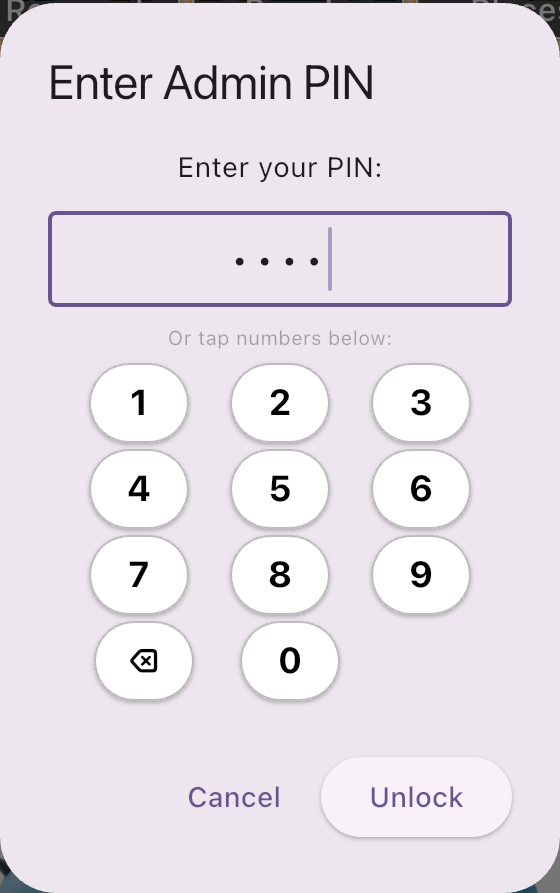
Enter the Admin PIN
The default is 1234
3
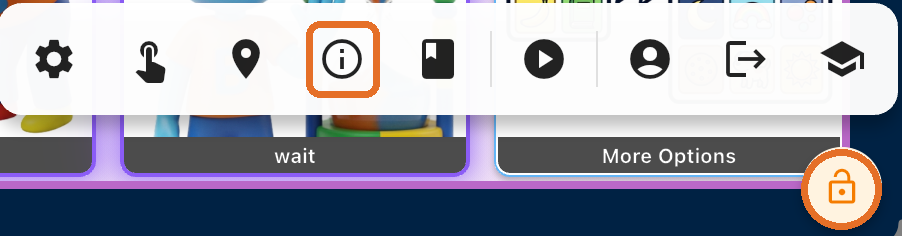
Tap the User Info icon
The “i” in the Admin toolbar
Bravo University · 207 Updating Personalized Information
3
The layout
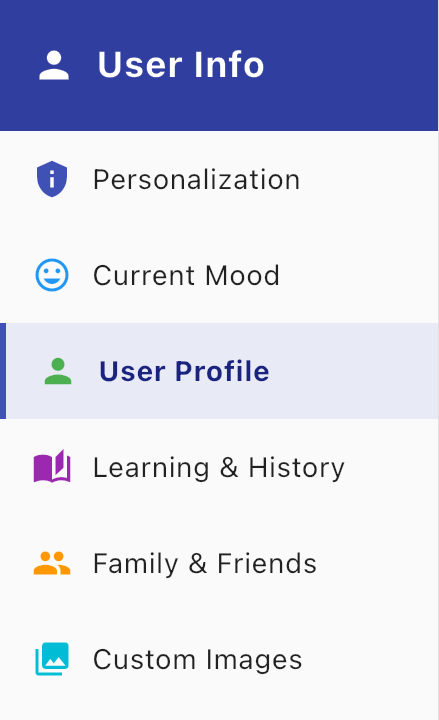
Six sections
Personalization
Age, consent and switches
Current Mood
How the user feels now
User Profile
Narrative, birthday, picture, overrides
Learning & History
Facts Bravo learns over time
Family & Friends
The people in the user’s life
Custom Images
Your own pictures
Bravo University · 207 Updating Personalized Information
4
Personalization
Under 13? Consent comes first
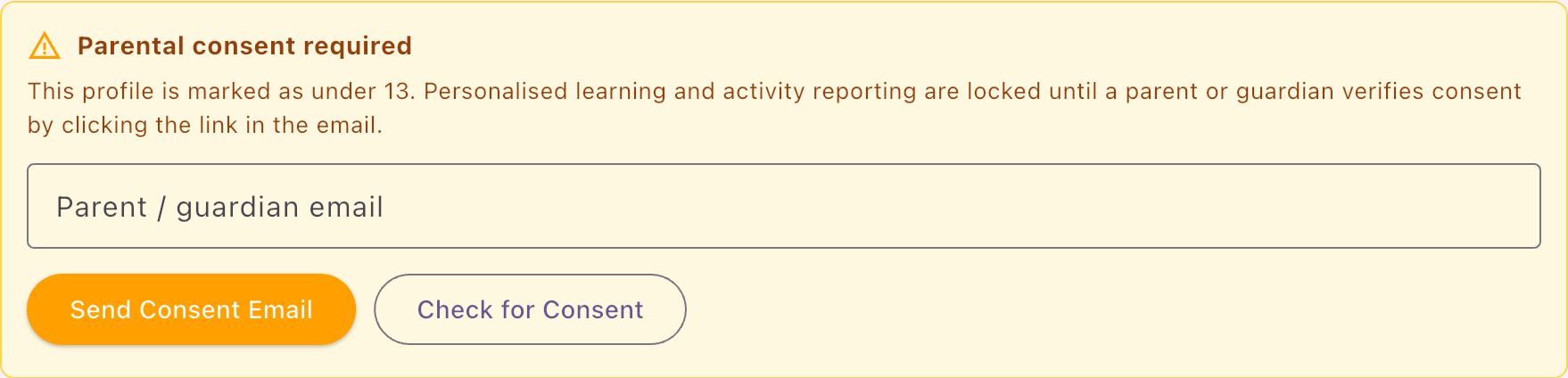
Under 13
Parent or guardian consent needed; personalization is off until then
13 or older
No consent needed
Not done in the wizard? Send the consent email from here.
Bravo University · 207 Updating Personalized Information
5
Personalization
The switches

1
Use Entered Details
Use the profile and people you enter
2
Learn from History
Learn from what the user says
3
Auto-approve
Skip reviewing learned facts
Use Entered Details must be on to open User Profile, Family & Friends and more
Bravo University · 207 Updating Personalized Information
6
User Profile
The User Narrative
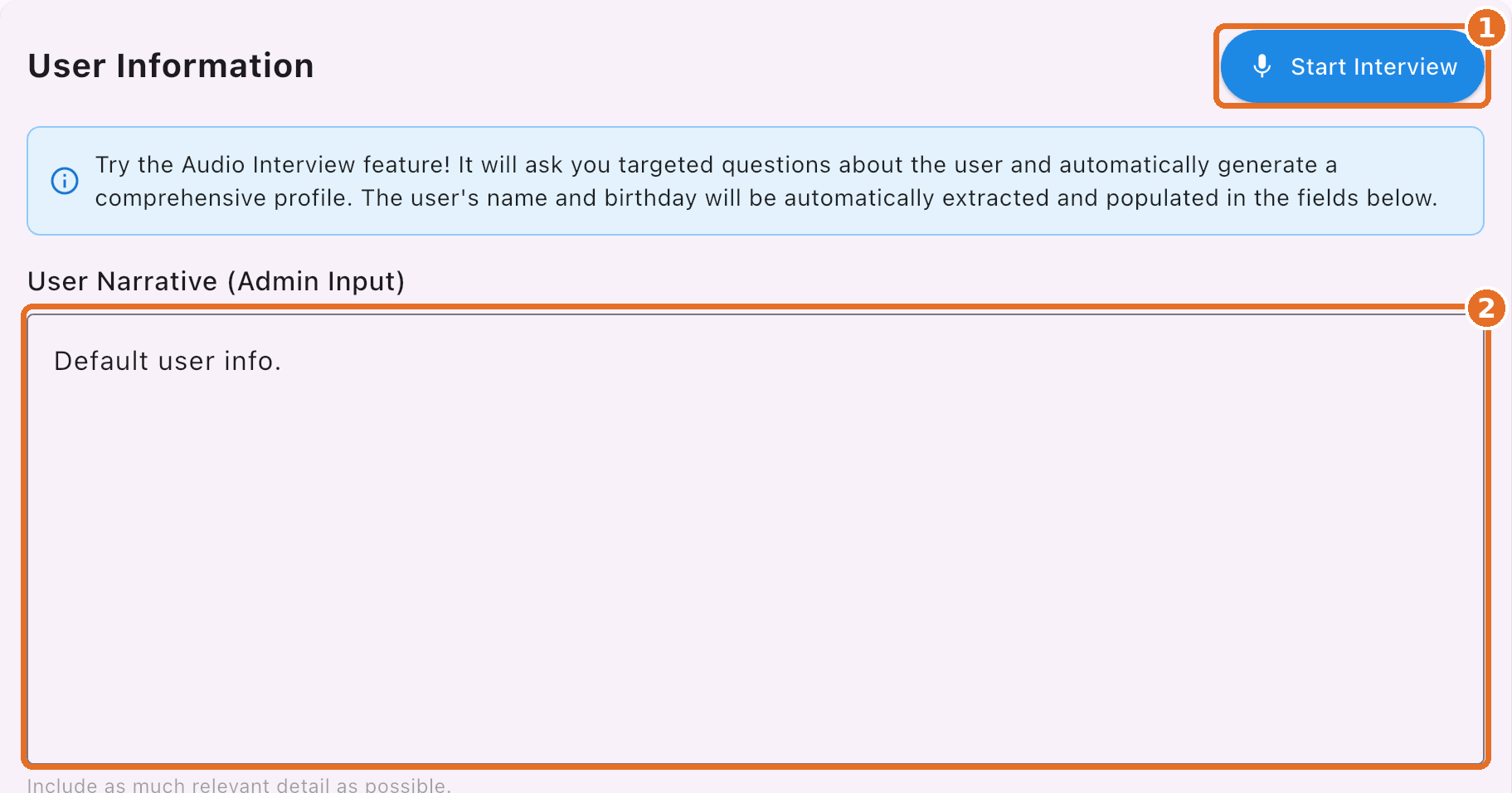
1
Start Interview
Bravo asks questions and writes it
2
Or type it yourself
Directly in the User Narrative
favorite topics
family
home
challenges
and much more
Bravo University · 207 Updating Personalized Information
7
The interview
Answer what applies
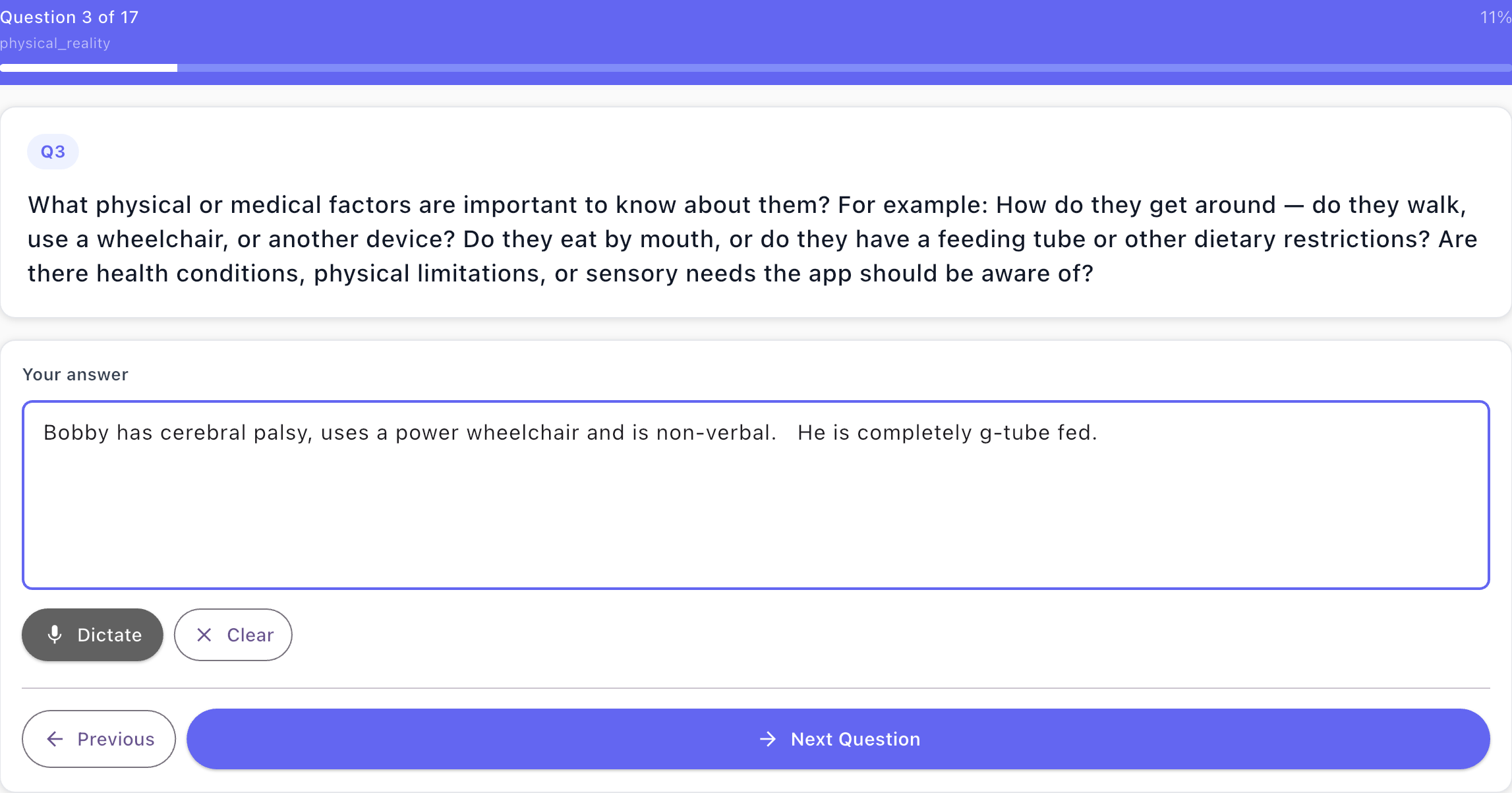
Physical needs
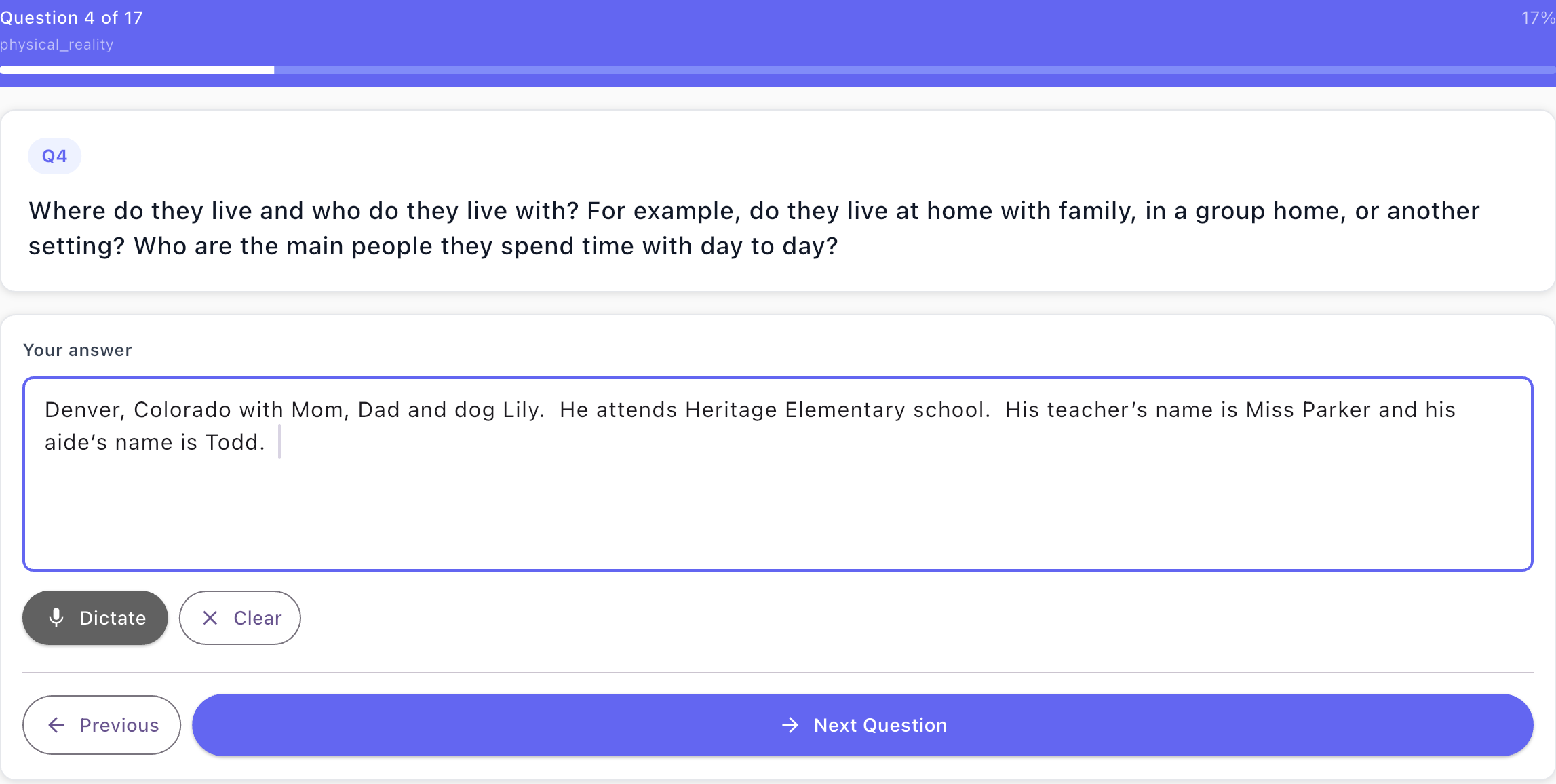
Home and people
17 questions
About the person’s life
Type or Dictate
Speak your answers
Skip any
That don’t apply
Bravo University · 207 Updating Personalized Information
8
The interview
Bravo writes the narrative
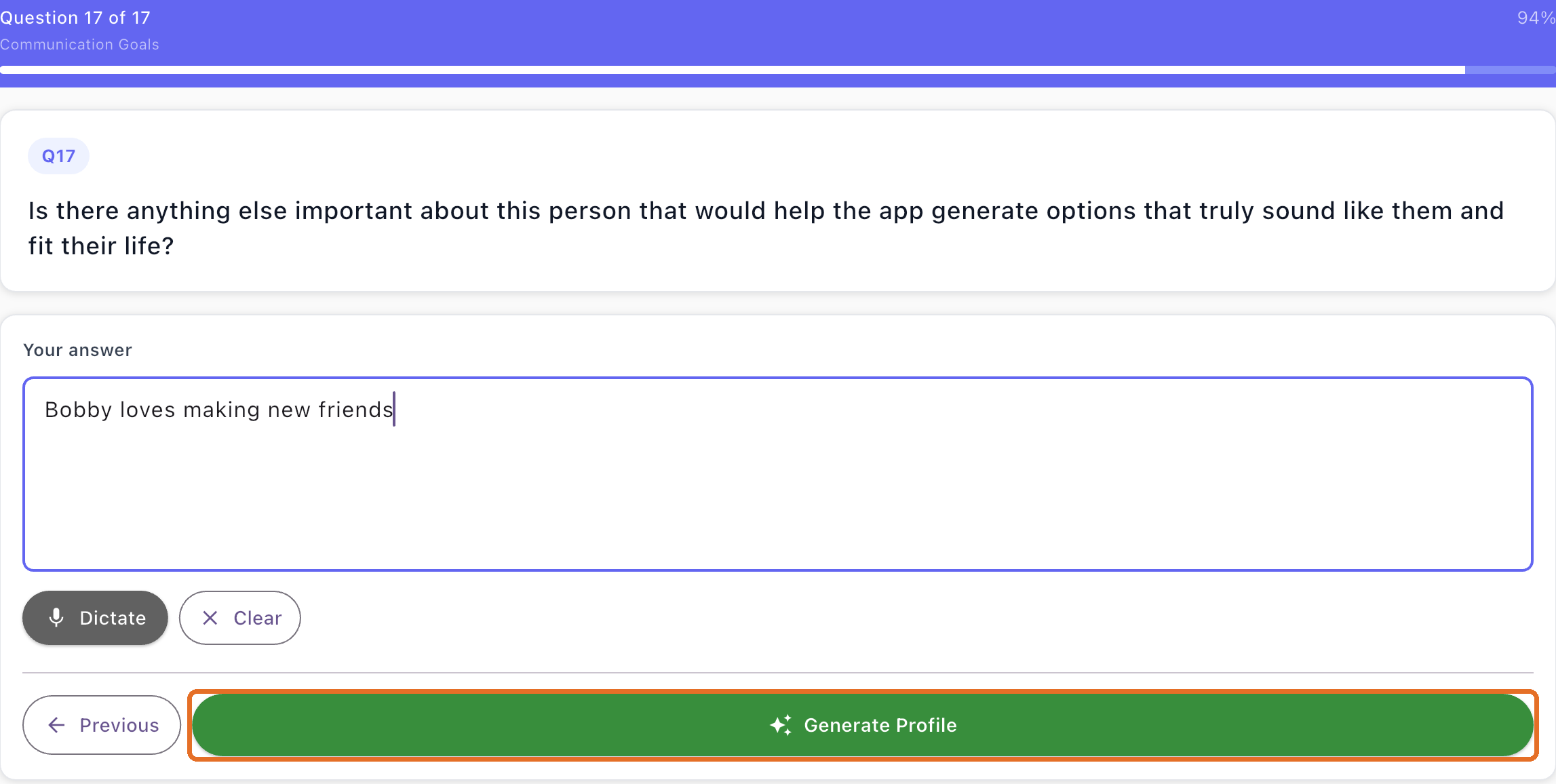
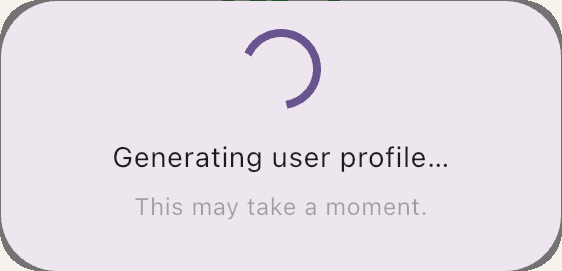
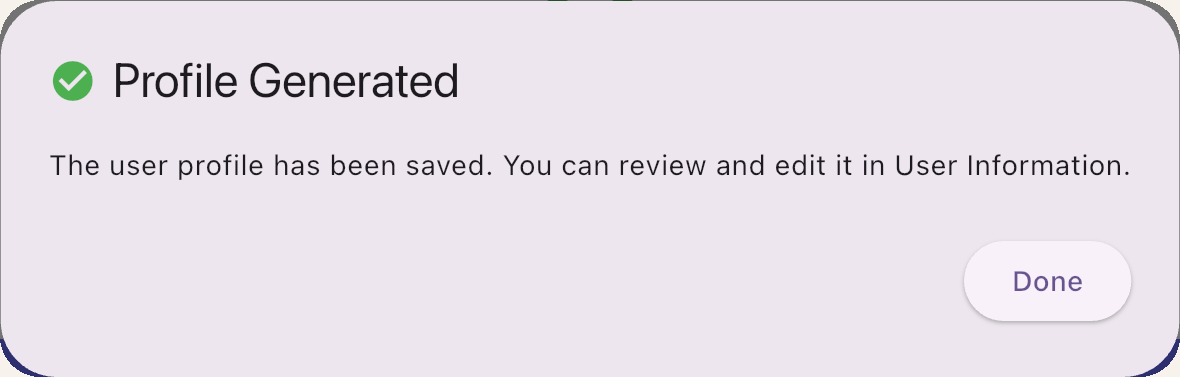
Bravo University · 207 Updating Personalized Information
9
User Profile
The finished narrative
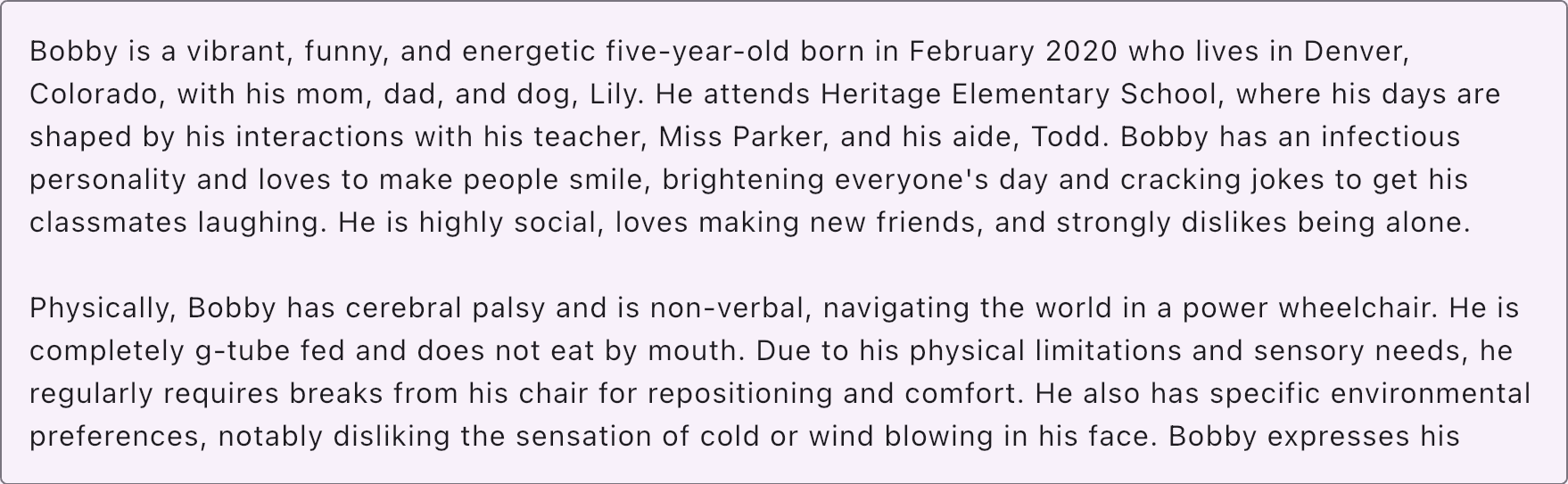
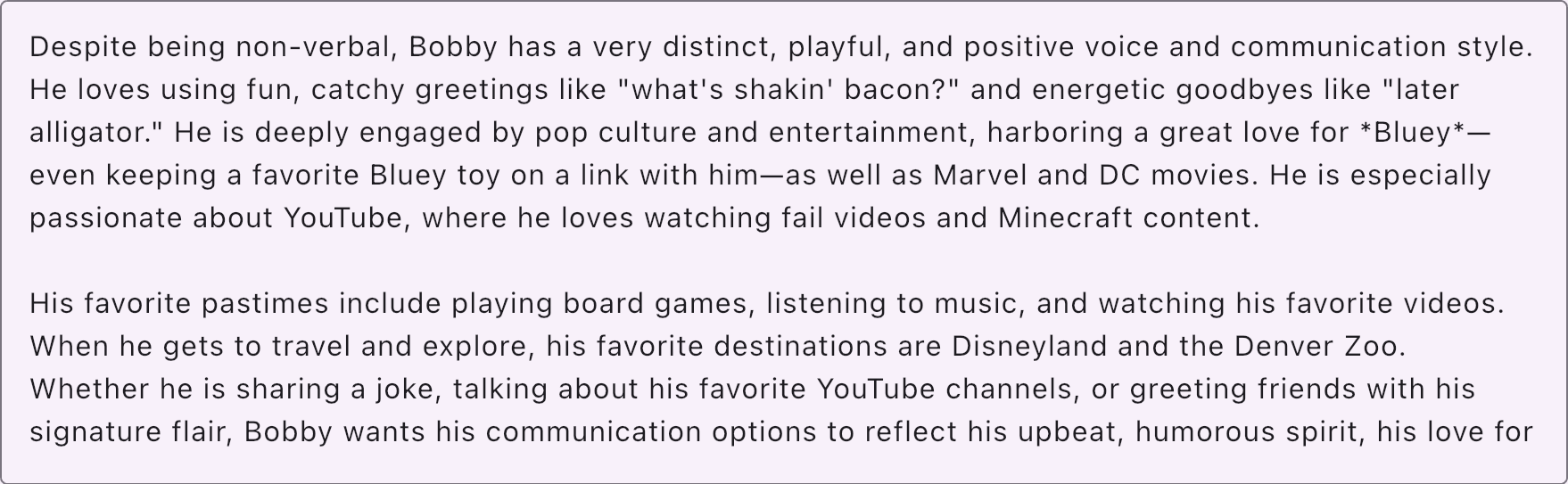
Written by Bravo
From your interview answers
Edit any time
It’s your text: change or add anything
Bravo University · 207 Updating Personalized Information
10
User Profile
The birthday
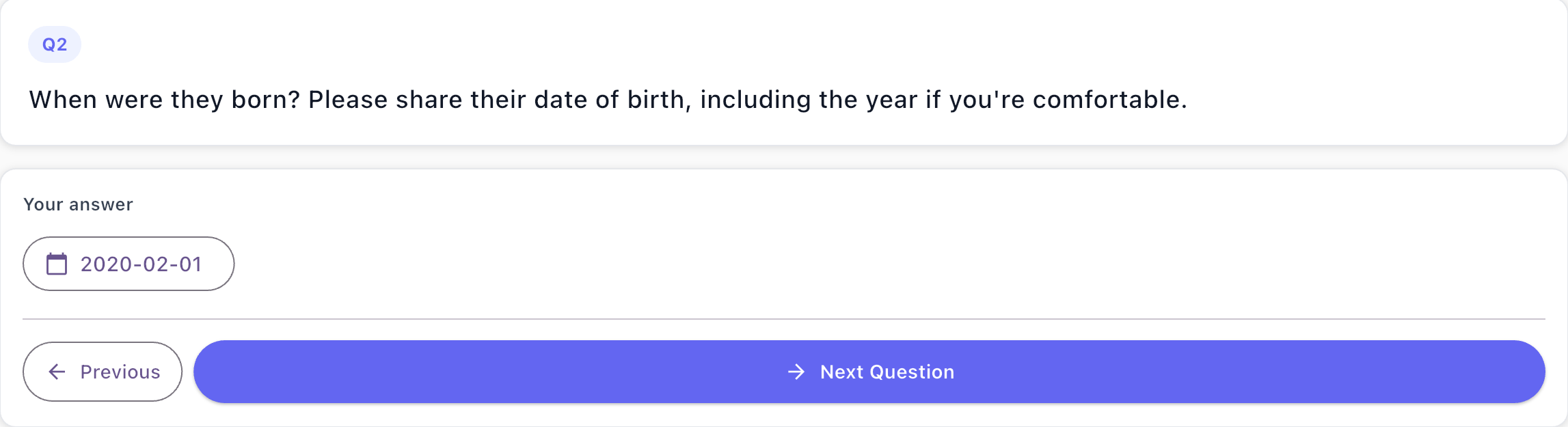
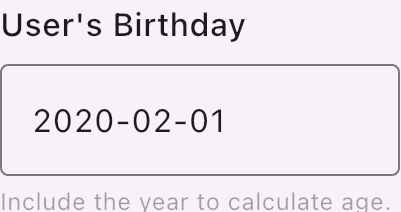
Age
Helps Bravo understand the user’s age
Coming up soon?
Options can mention an upcoming birthday
Bravo University · 207 Updating Personalized Information
11
The payoff
Greetings that sound like the user
Scan
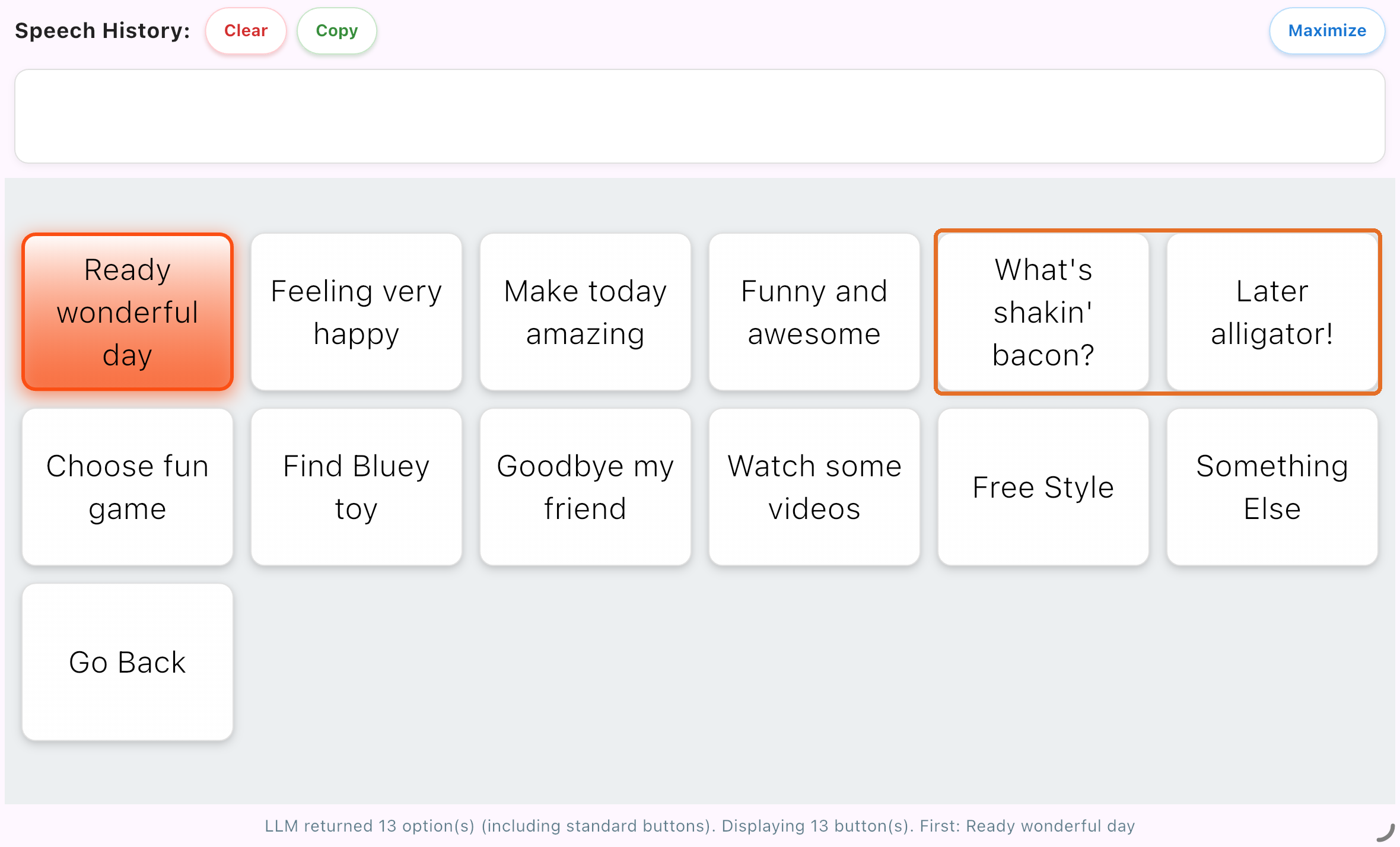
Tap
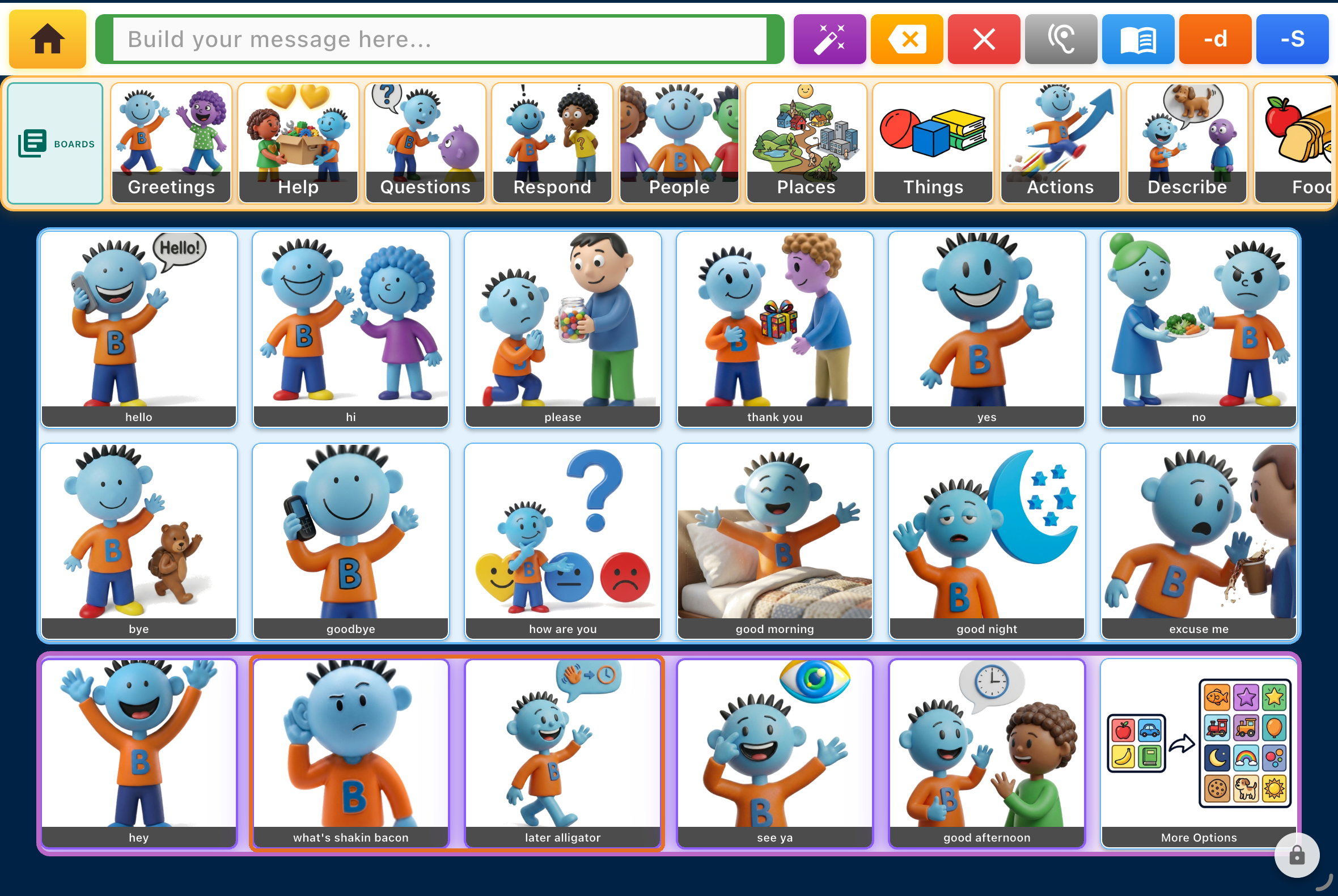
Narrative: “what’s shakin’ bacon?” and “later alligator” → right in the Greetings
Bravo University · 207 Updating Personalized Information
12
User Profile
Profile picture
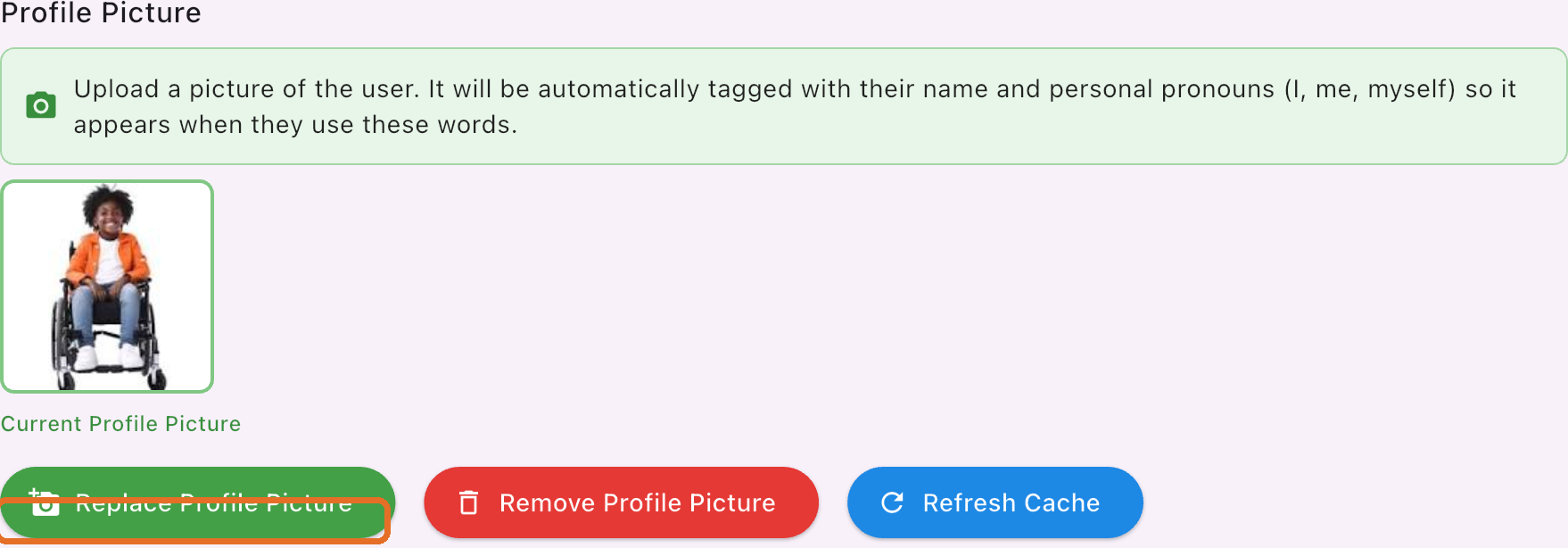
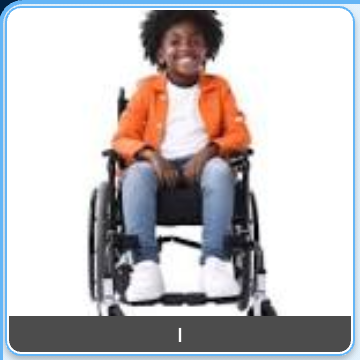
“I”
Used automatically for the user’s name and for I, me and myself
Bravo University · 207 Updating Personalized Information
13
User Profile
AI Option Overrides
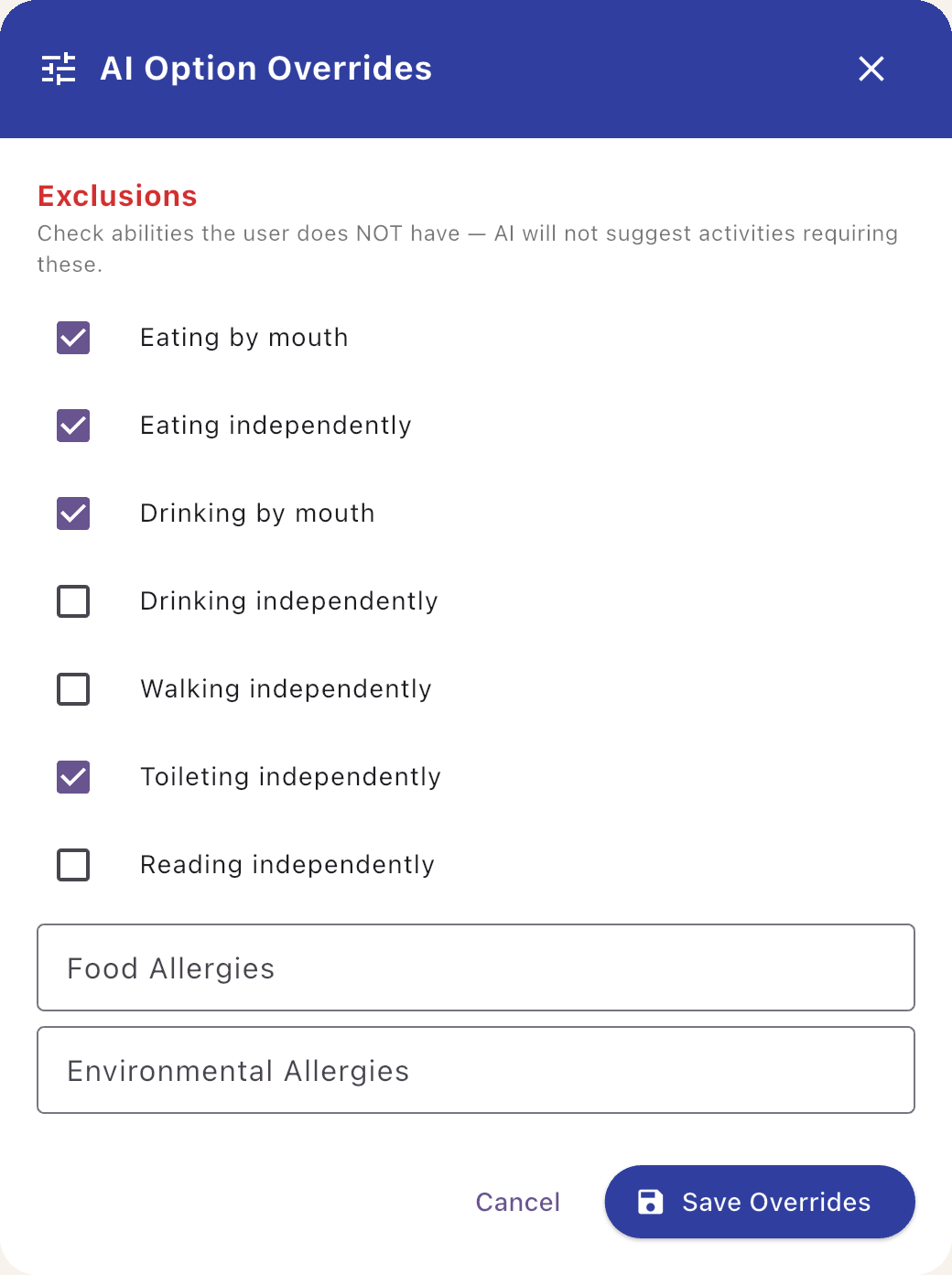
Check what the user can’t do, so Bravo won’t suggest it
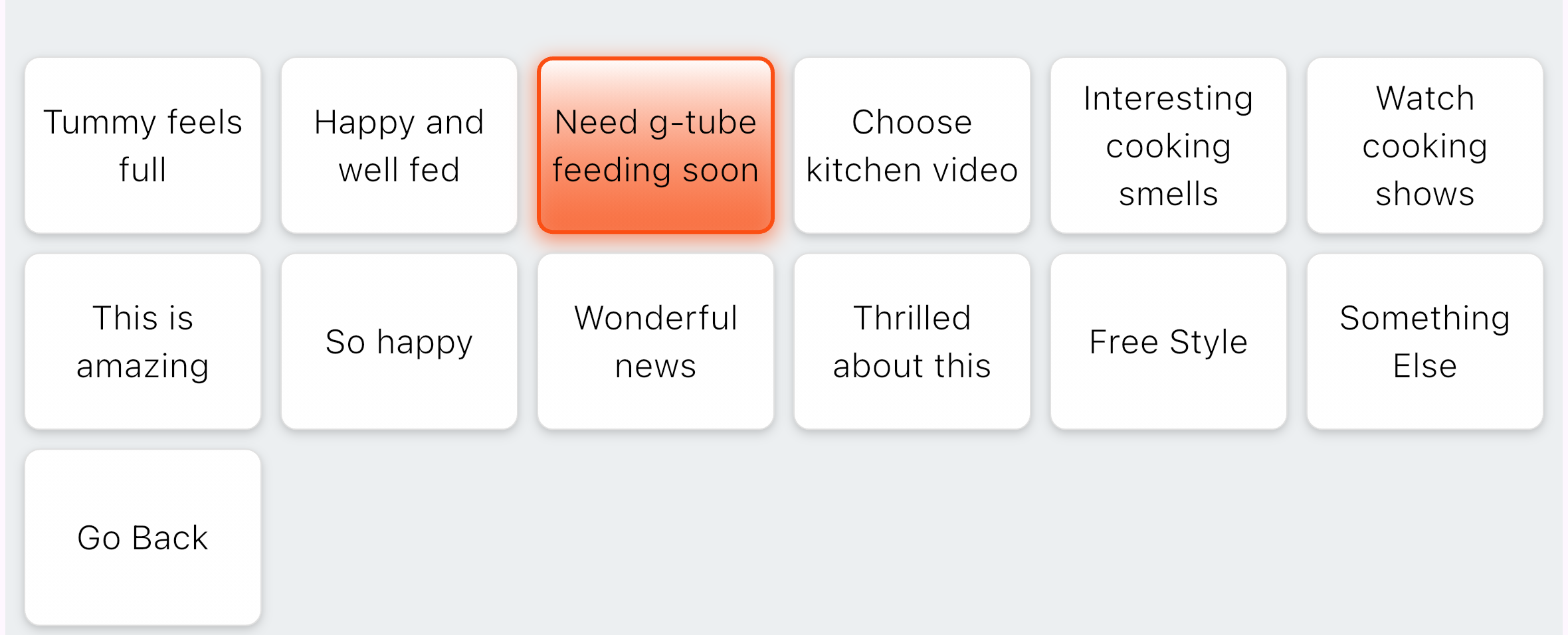
Eating by mouth excluded: no food options, just g-tube needs
Bravo University · 207 Updating Personalized Information
14
Learning & History
Bravo learns as the user talks

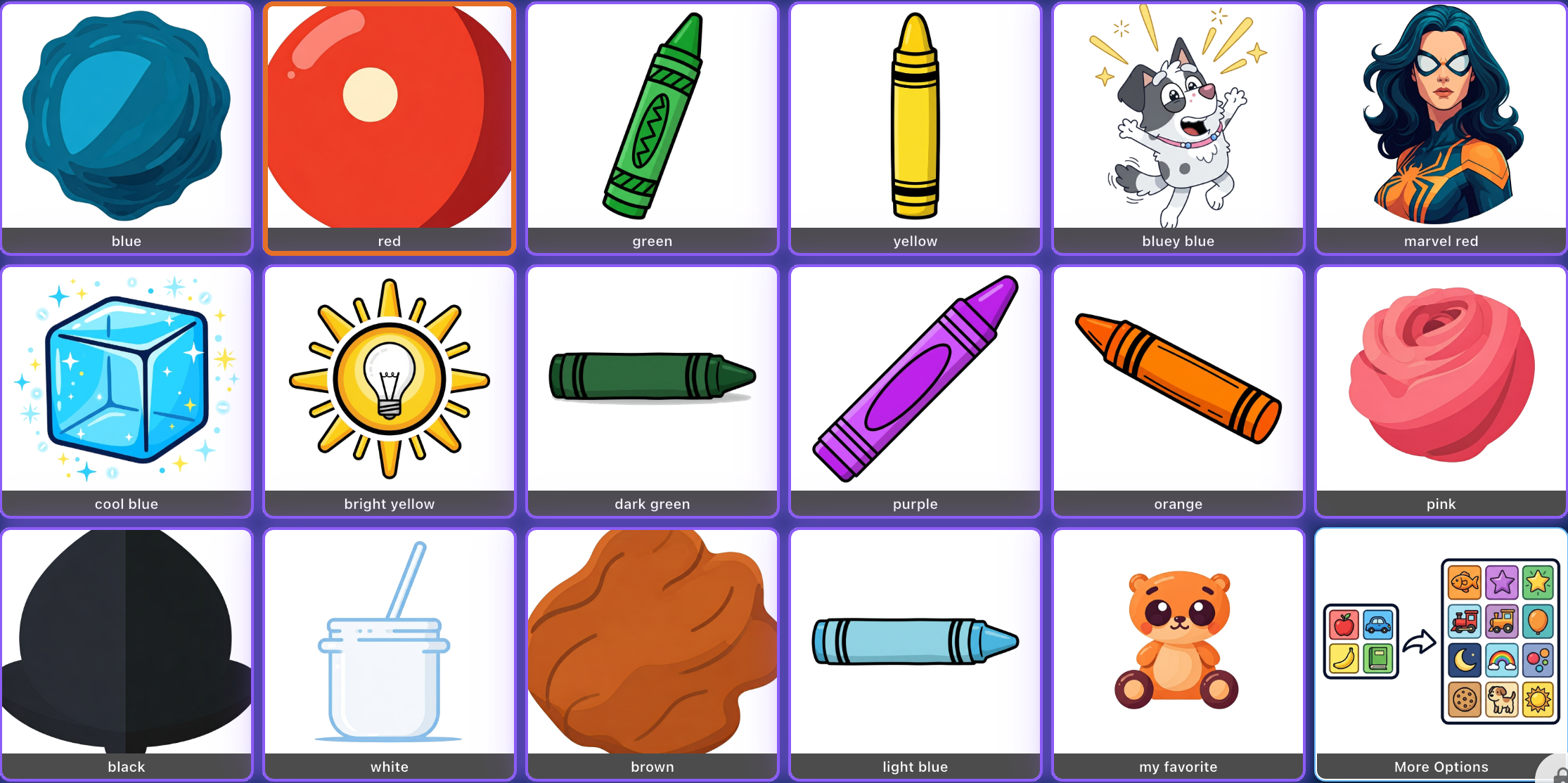

Saved as a Potential Learned Fact
Bravo University · 207 Updating Personalized Information
15
Learning & History
Approve, edit or discard
Automatic
Turn on Auto-approve: facts apply right away
Manual
You review each fact first

Bravo University · 207 Updating Personalized Information
16
Learning & History
Approved facts are used right away

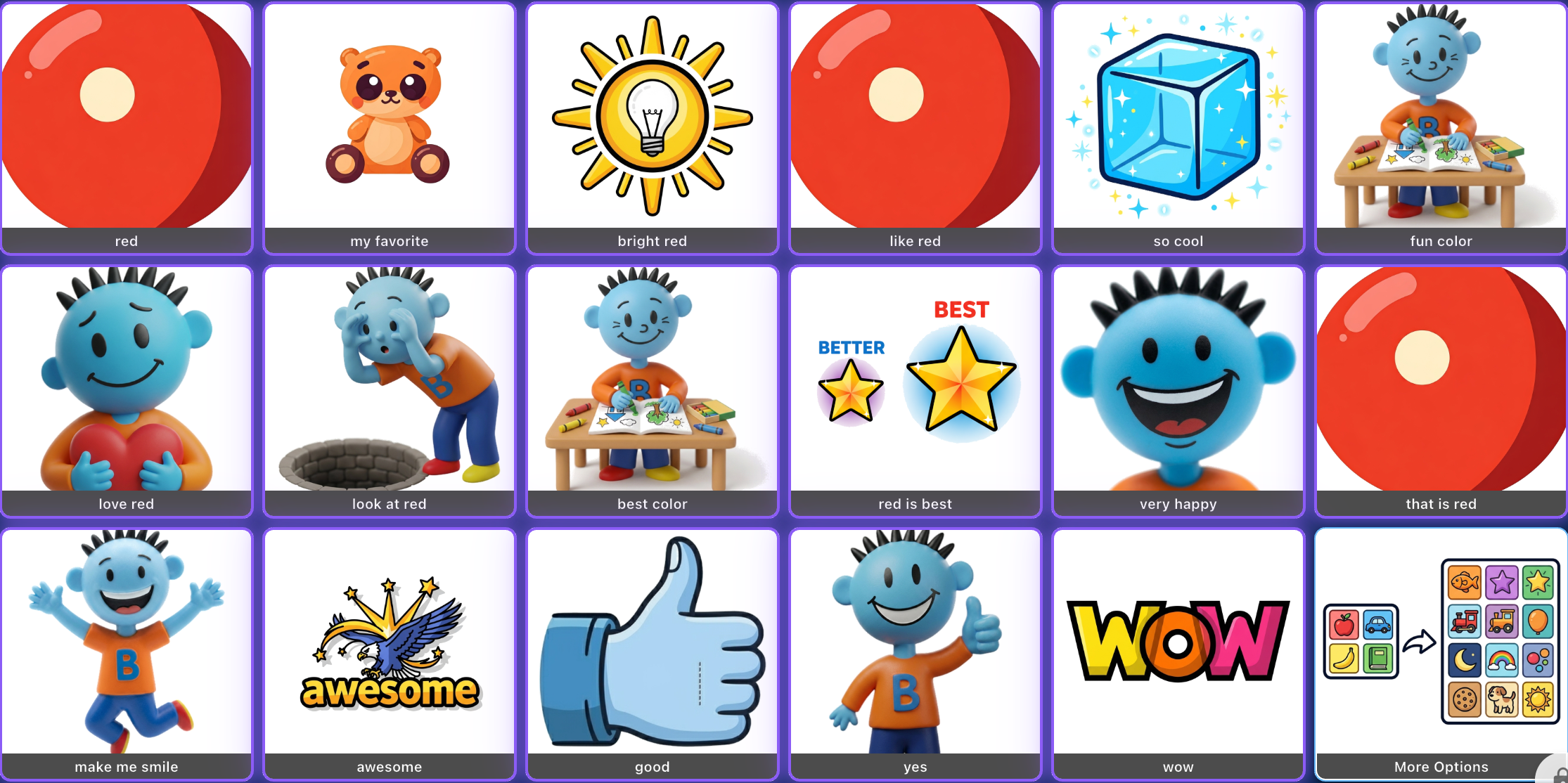
Red is a favorite
From the approved fact
“love red”, “red is best”, “my favorite”
Bravo University · 207 Updating Personalized Information
17
Family & Friends
The people in the user’s life
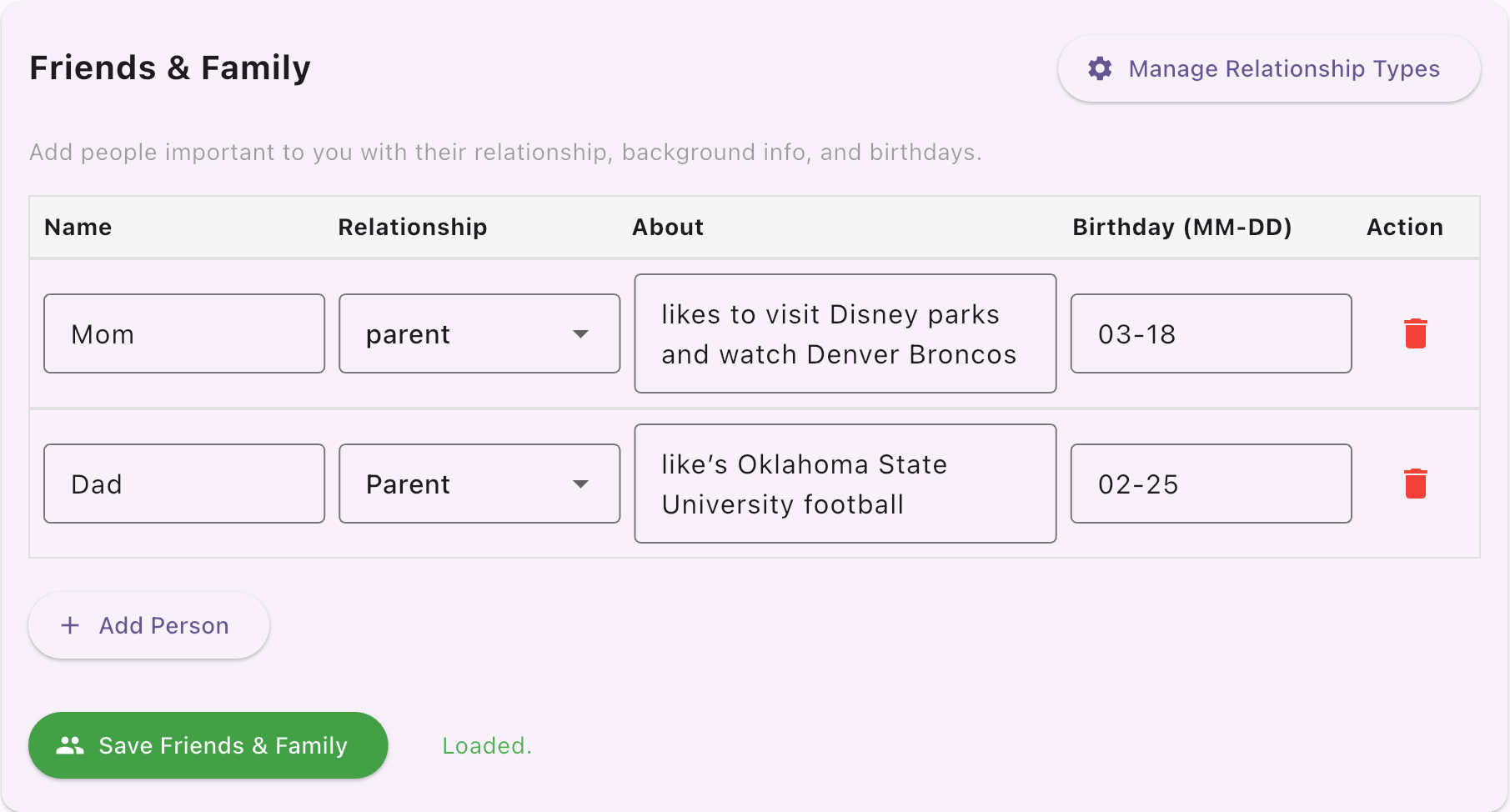
1
Name
Use the same name everywhere
2
Relationship
Like parent
3
About
What they like
4
Birthday
Month and day
Bravo University · 207 Updating Personalized Information
18
Family & Friends
Even better with Location

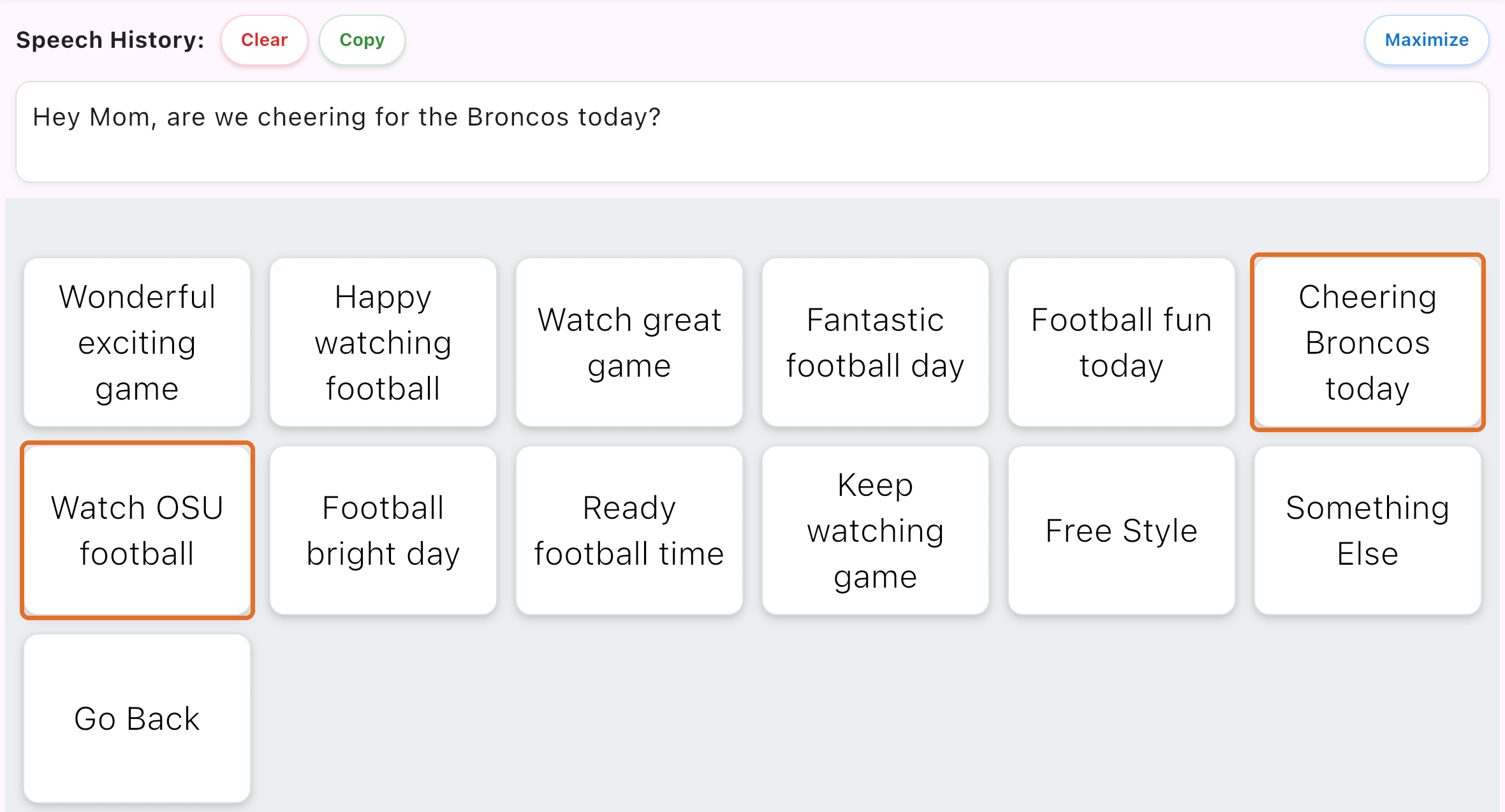
People Present + Family & Friends = options that interest the people with the user
“Cheering Broncos today”
For Mom
“Watch OSU football”
For Dad
Bravo University · 207 Updating Personalized Information
19
Custom Images
Your own pictures
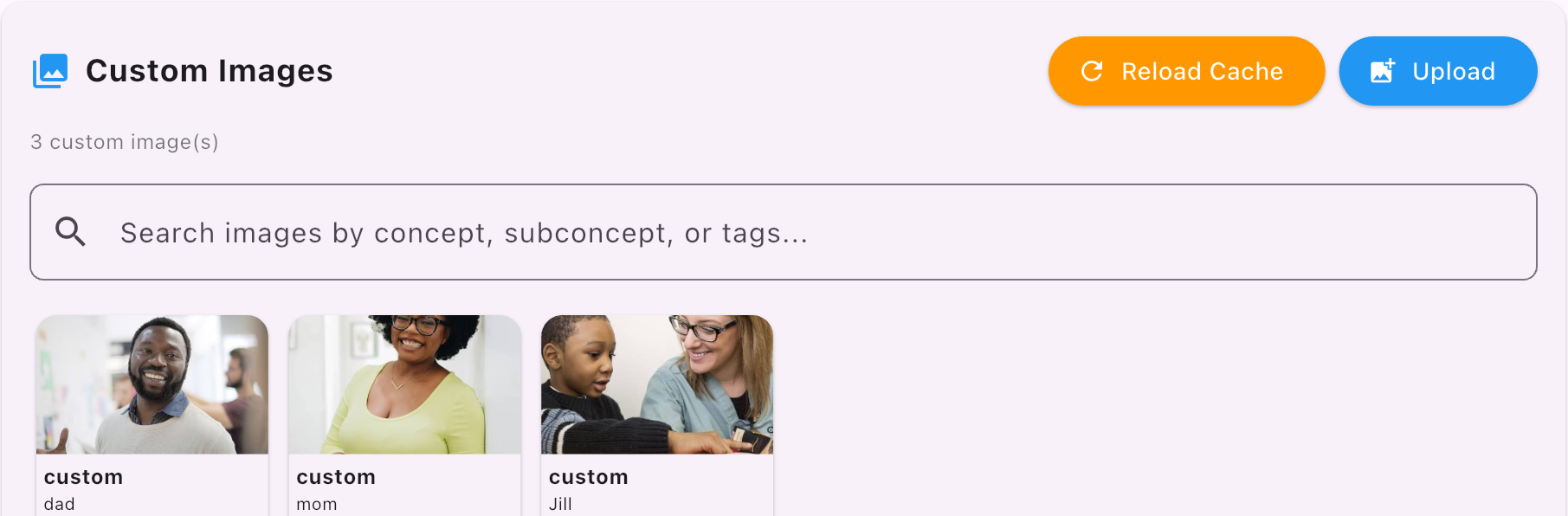
Use several tags
mom
mommy
mother
Name and role
Todd
aide
Bravo University · 207 Updating Personalized Information
20
Custom Images
Real faces on the buttons
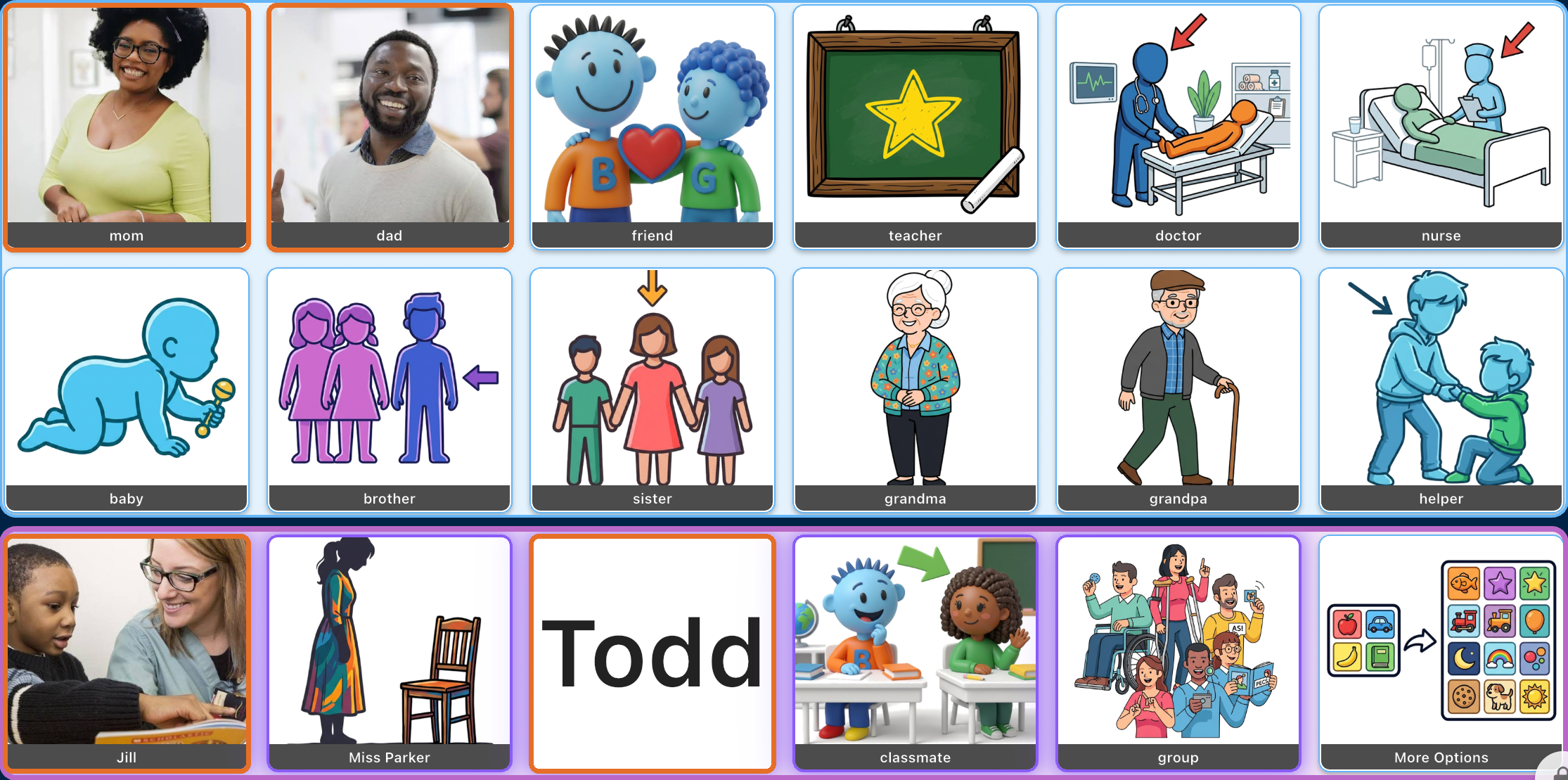
mom · dad · Jill
Custom photos on the People board
No picture yet?
Todd shows text until an image is tagged
Bravo University · 207 Updating Personalized Information
21
Recap
Personalization at a glance
Section
Remember
Personalization
Age, consent and the switches
User Profile
Narrative, interview, birthday, picture, overrides
Learning & History
Approve facts Bravo learns
Family & Friends
People, best paired with Location
Custom Images
Your photos, with several tags
Optional, but every detail makes the voice more personal
Bravo University · 207 Updating Personalized Information
22